Step 1
Set the family boundary
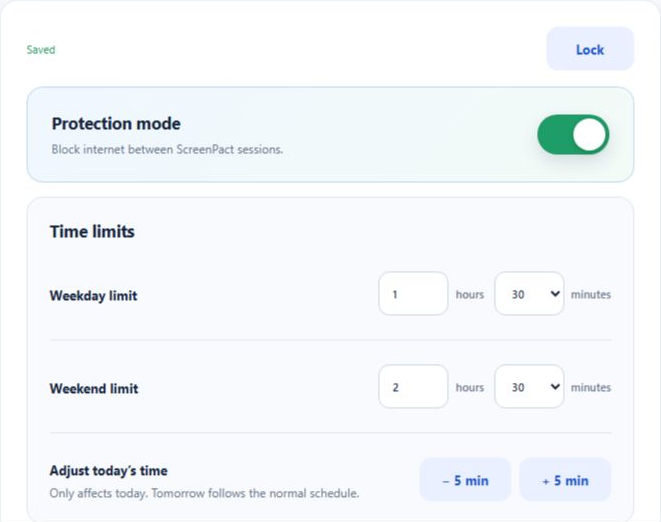
A parent installs ScreenPact with administrator approval, creates the six-digit passcode and chooses the normal weekday, weekend and optional schedule limits.
ScreenPact turns an invisible rule into a shared, visible agreement.
A parent installs ScreenPact with administrator approval, creates the six-digit passcode and chooses the normal weekday, weekend and optional schedule limits.
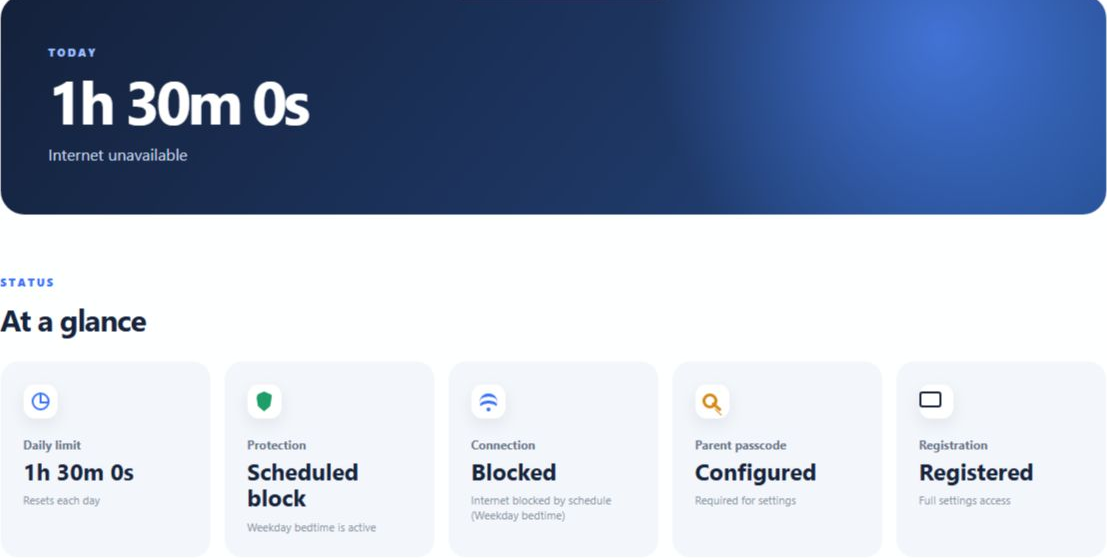
The visible timer shows what remains. Your child chooses when to start and pause, so meals, homework and time away from the PC do not waste the daily budget.

While Protection is on, internet access stops when time runs out or a scheduled block begins. Offline apps can continue, and the normal family plan returns automatically the next day. Protection Off is the parent-controlled master bypass.