Open from the tray
Right-click ScreenPact and choose Activity Log. This page does not require the parent passcode.
Review recent ScreenPact events without recording a child’s browsing content.
The Activity Log shows recent ScreenPact actions on this PC. It does not list websites, applications, searches, messages or screenshots.
You want to understand recent ScreenPact actions without reading your child’s websites, messages or applications.
Right-click ScreenPact and choose Activity Log. This page does not require the parent passcode.
The page displays up to the latest 100 ScreenPact events, such as session actions and relevant state changes.
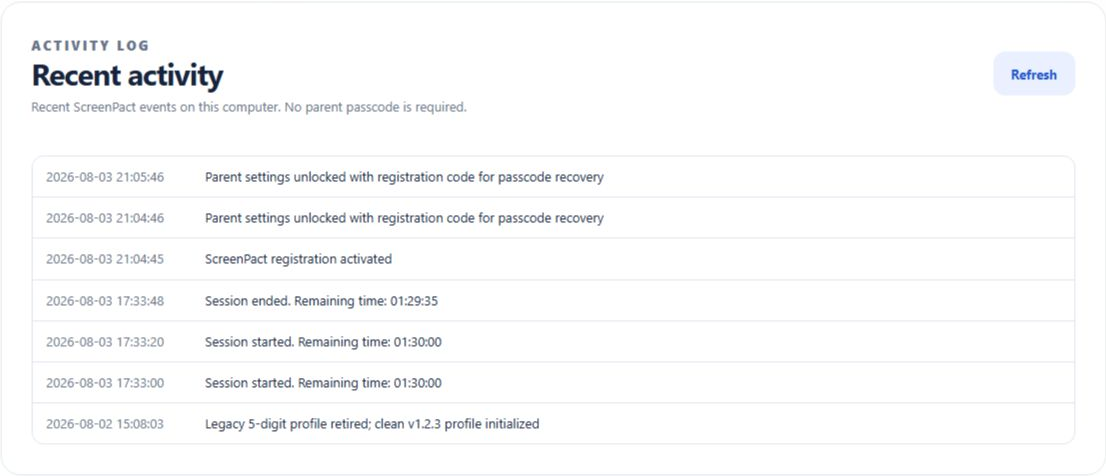
The activity page does not reveal credentials, settings-file paths, debug data, websites, application use, messages or screenshots.
Version 1.2.3 does not yet provide date filters, search, duration charts or export.