Check trial status
Dashboard shows whether the 14-day trial is active and how many days remain. No credit card is required for the trial.
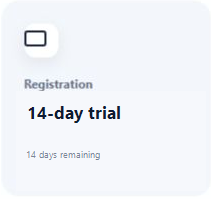
Understand the 14-day trial and activate a lifetime license key.
The 14-day trial includes the core product. A lifetime license key keeps ScreenPact available on the compatible Windows PC after the trial without changing the saved family plan.
You have tested ScreenPact, decided to keep it and want to activate the PC without losing the family plan.
Dashboard shows whether the 14-day trial is active and how many days remain. No credit card is required for the trial.
Use the official ScreenPact purchase link. Lemon Squeezy processes payment and sends the registration code to the email address used at checkout. Keep that purchase email private and searchable; if it is hard to find later, search the inbox and spam folder for ScreenPact or Lemon Squeezy.
Buy a ScreenPact lifetime license →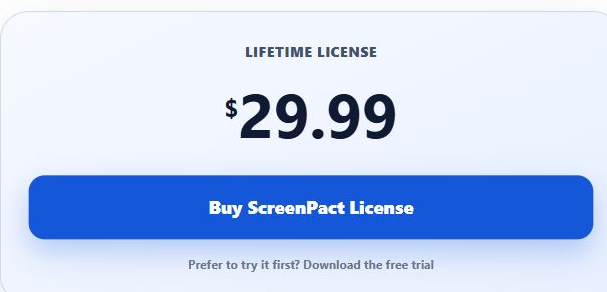
Open Parent Settings, enter the parent passcode and choose Unlock. After ScreenPact verifies the passcode, locate the Registration section.

Copy the license key exactly, choose Activate and wait for the result. Do not share a full key in screenshots or support messages.
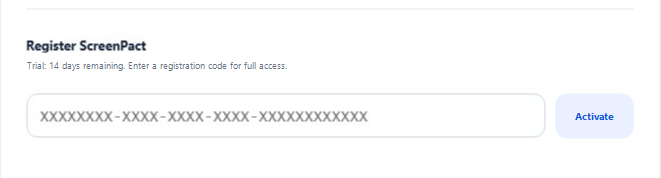
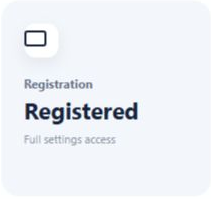
Return to Dashboard and confirm the Registration card reports Registered.
Confirm the PC is online, the key contains no missing characters and the activation service is reachable. Do not repeatedly purchase another key; contact support with the error text and a partially masked key.