Review the release notes
Confirm the new version, known limitations and checksum. Save open work.
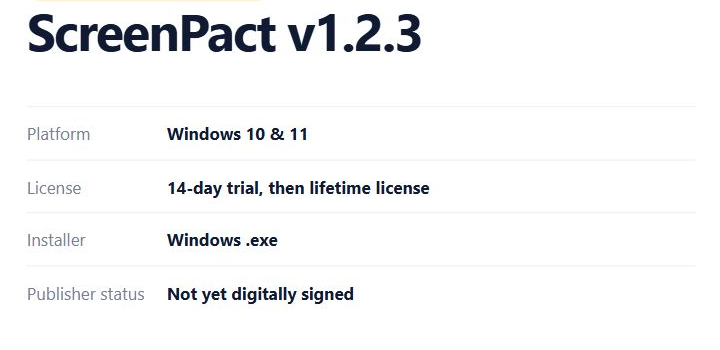
Install v1.2.3 over an existing version while preserving supported family settings.
Run the newer ScreenPact installer without uninstalling first, then verify the family settings and test Start, Pause and network recovery.
You want the fixes without rebuilding the family plan or accidentally deleting local settings.
Confirm the new version, known limitations and checksum. Save open work.
For a normal update, run the new installer directly over the existing installation. Uninstalling first can invoke data-retention choices that are unnecessary for an overlay update.
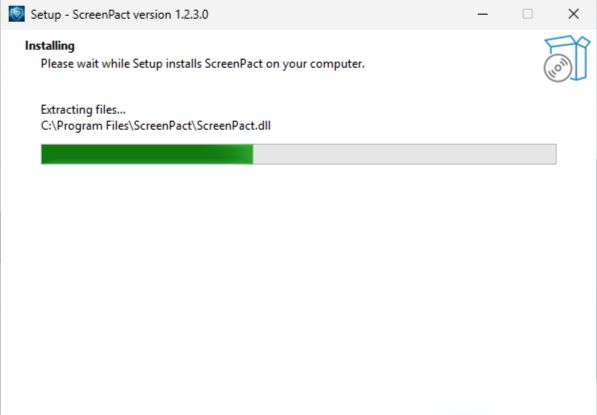
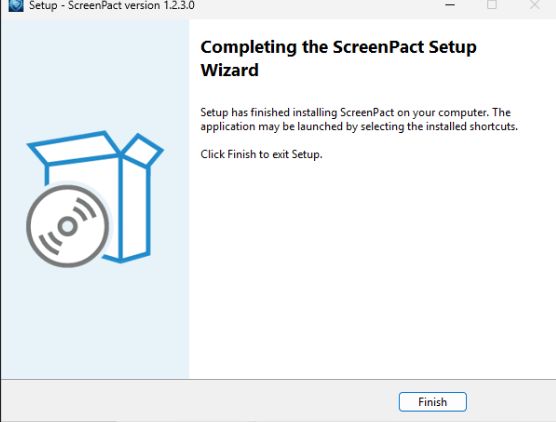
Approve UAC and complete Setup. Do not start a second installer while the first is running.
Verify the six-digit passcode, remaining time, weekday/weekend limits, today’s adjustment, schedules, Protection and activity history.
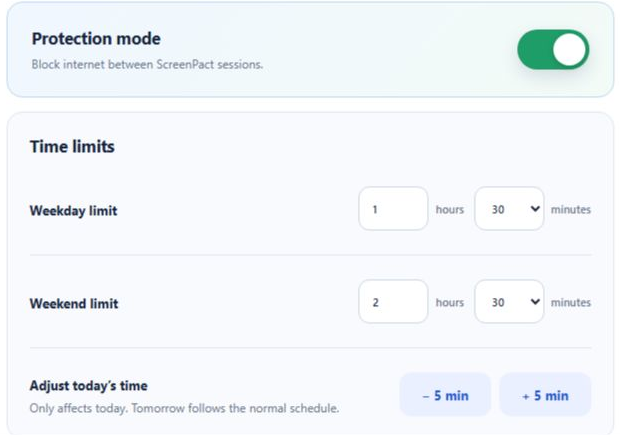
Start and Pause once, then have a parent temporarily disable Protection and confirm ordinary internet access returns.

Version 1.2.3 retires old five-digit profiles instead of migrating them. Protection starts off, internet remains available and the parent creates a new six-digit passcode and plan.